

Intelligent Field Operations Platform
AI-poweredCAPTURE · VALIDATE · AUTOMATE · DELIVER.
Techner FieldOps simplifies field data collection and documentation with guided mobile workflows for HOPs, surveys, audits, inspections and defect management. On-device AI photo checks and automated template mapping help field engineers save time, reduce rework and achieve 90%+ Right First Time (RFT).
Achieve 90%+
Right First Time
Improve submission quality to accelerate project delivery and enable faster payments.
Reduce
Rework
and
Site Revisits
Validate photos on-site to prevent repeat visits and reduce delivery costs.
Save
Engineering Time
Reduce manual tasks, simplify reporting and improve team productivity.
How It Works
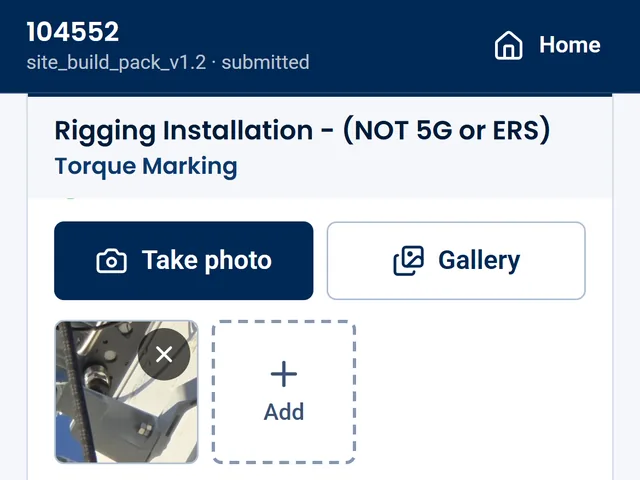
Capture
Engineers see only the questions required for their job and add photos as they go.
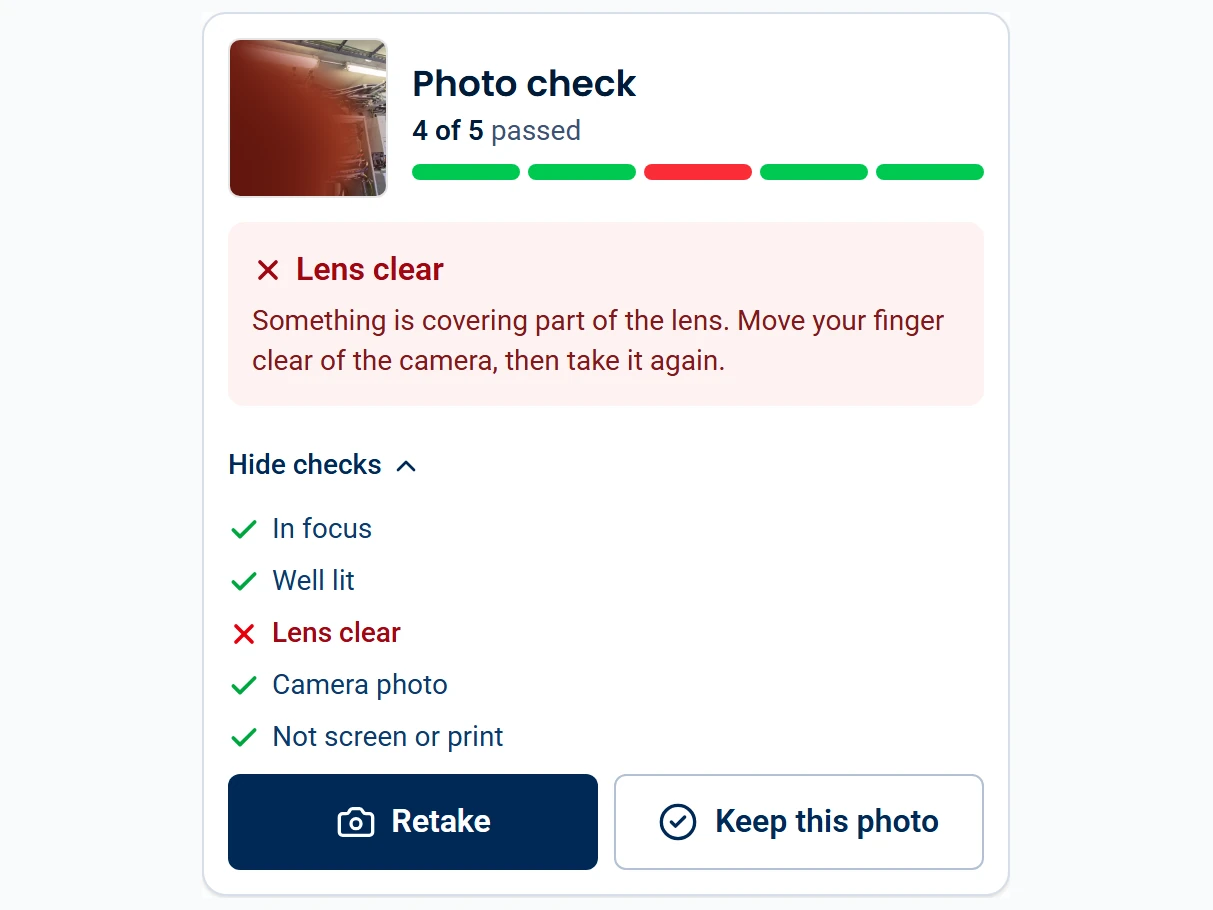
Validate with AI
AI checks flag blurry or dark photos, a covered lens and screenshots on the device, so engineers can retake them on site.
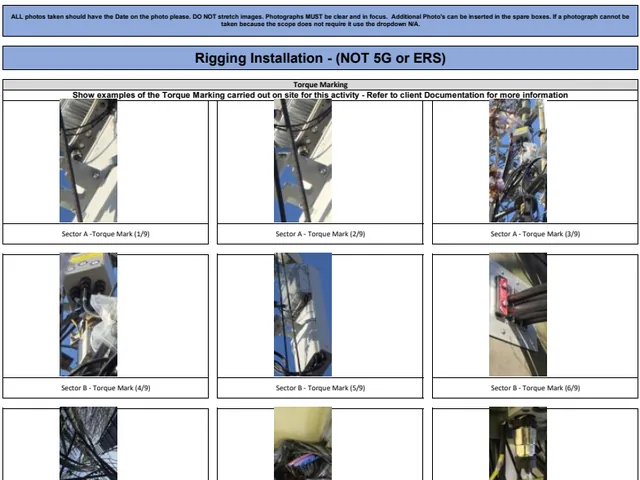
Automate
Every answer and photo is mapped to the correct field in your own template.
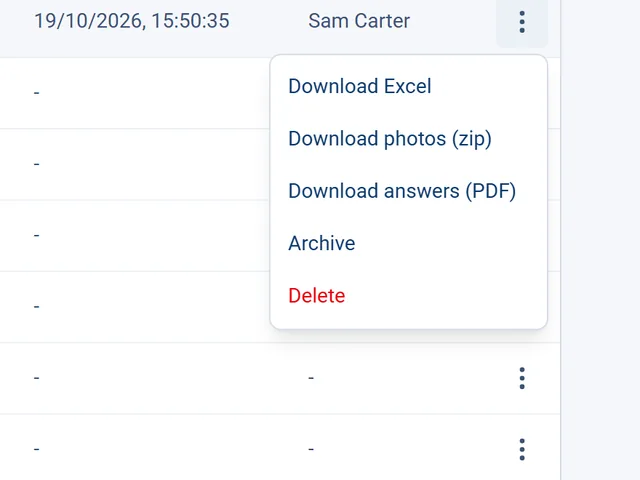
Deliver
The office downloads the completed workbook, PDF and photos, with a record of who completed the work.
Field Resilient.
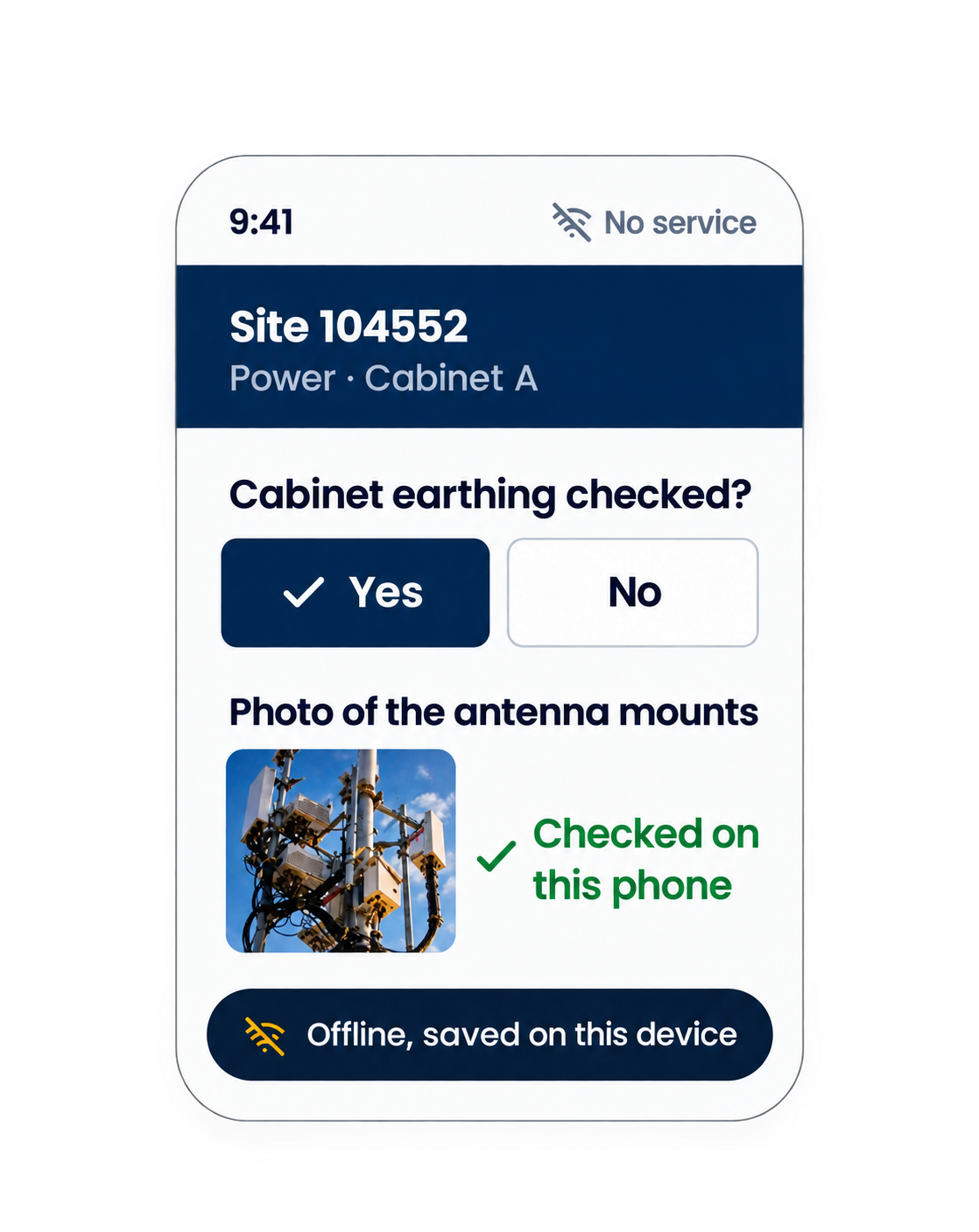
No signal on site? FieldOps keeps working.
From remote sites to busy urban environments, FieldOps enables teams to capture field data and supporting evidence without mobile connectivity. Information is saved on the device and synchronised automatically when a connection becomes available.
By ensuring required information and photographs are captured on-site, FieldOps helps minimise avoidable site revisits and also reduces the administrative workload for back-office teams by limiting follow-ups for missing photographs, incomplete information and outstanding documentation.
Fields extracted automatically from a full-size template
Sheets in a single document
On-device AI checks per photo
Signal bars required to complete a job
Measured on real full-size templates, not projections.
Built for Field Teams
Wherever fieldwork needs to produce accurate, structured documentation.
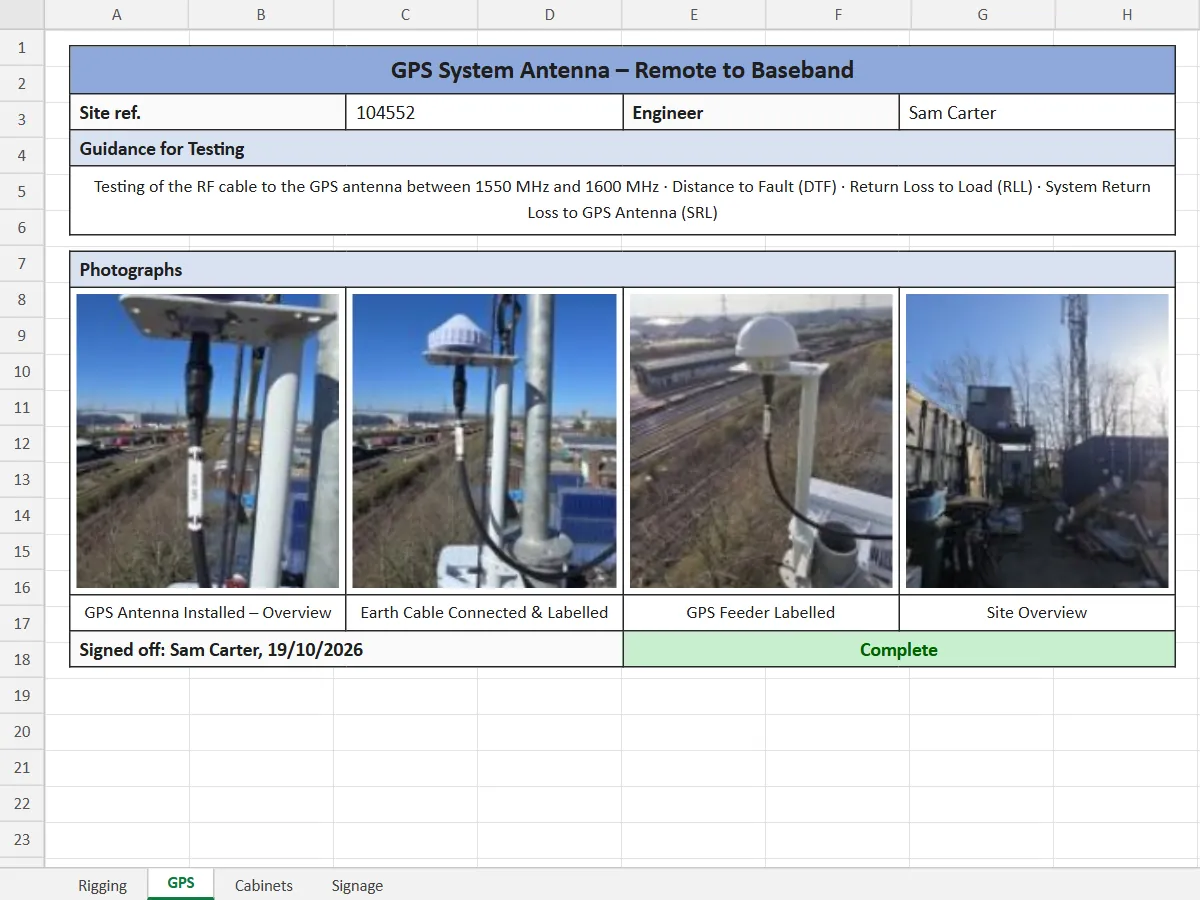

Telecom
Site audits, installation and commissioning, and acceptance documentation for masts, rooftops and street cabinets.
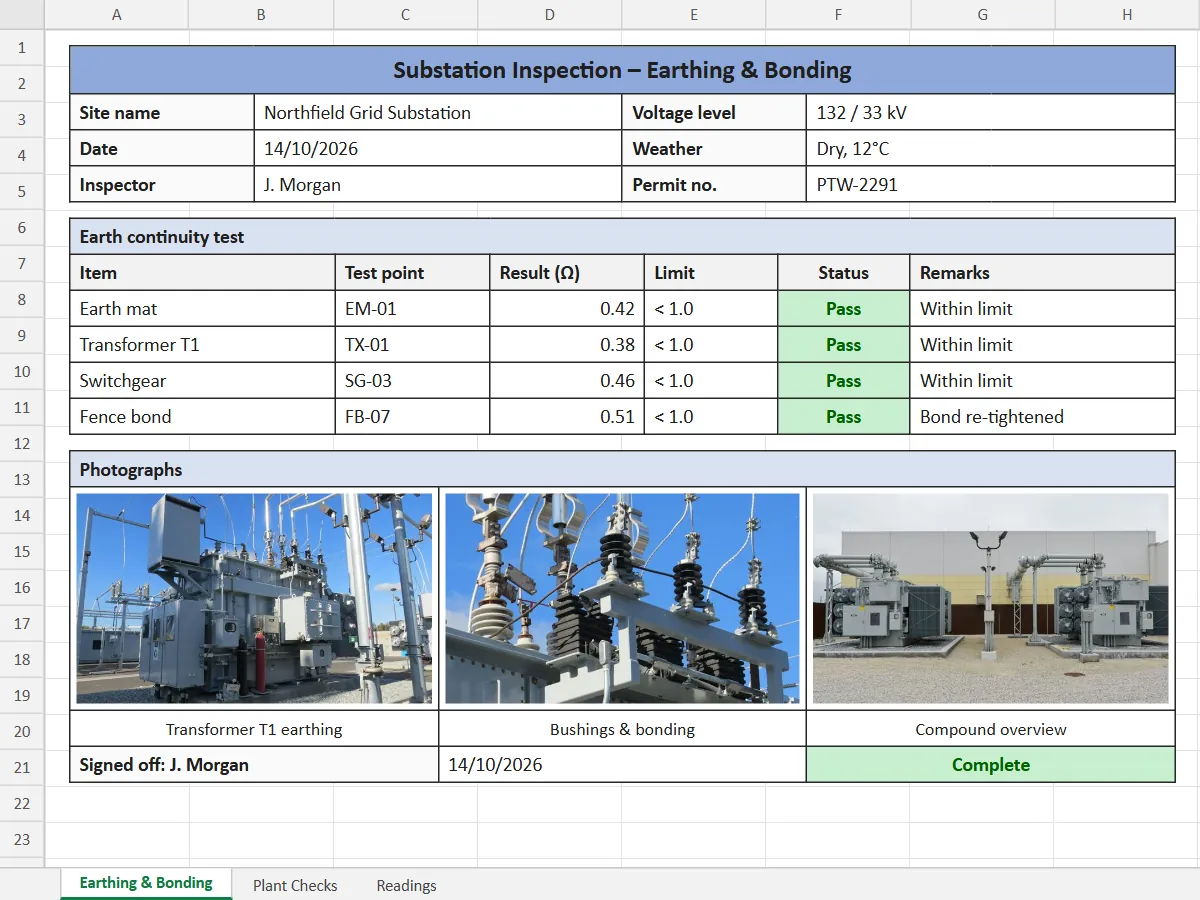

Utilities & energy
Power substations, utility assets and energy networks.
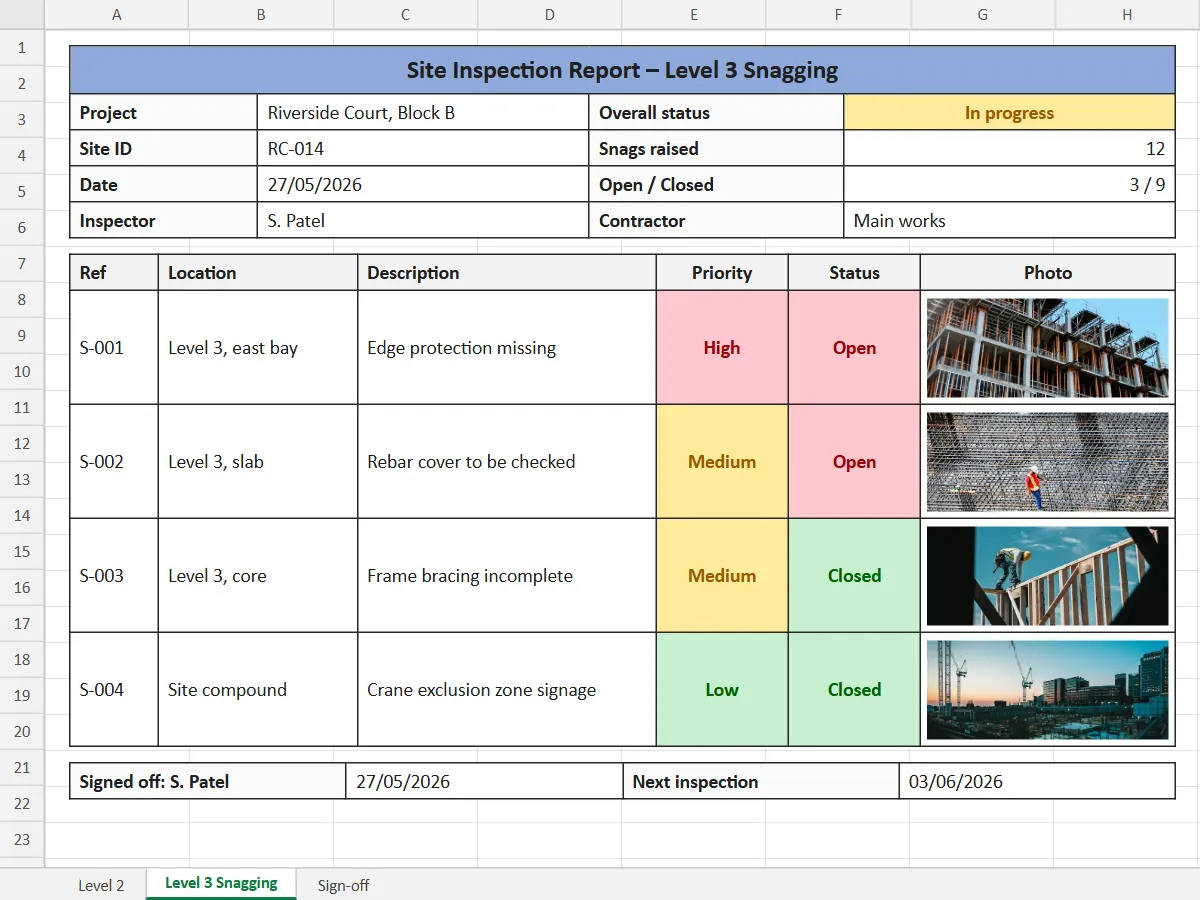

Construction & infrastructure
Site inspections, asset inspections and sign-off on completed infrastructure.
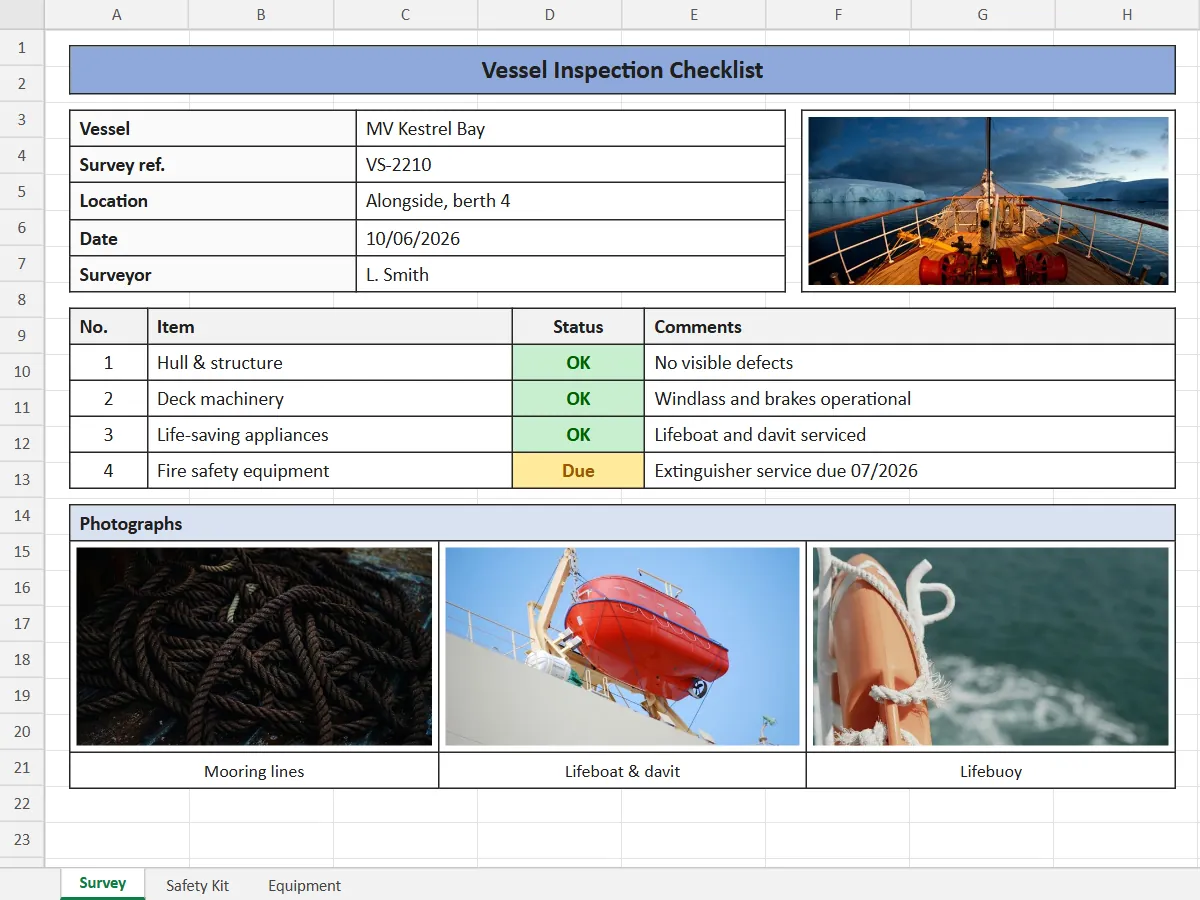

Maritime & offshore
Vessel inspections and offshore asset documentation.
Your Organisation. Your Control.
Each client organisation has its own separate workspace for users, templates, data and tools, keeping its operational environment separate from other organisations. Inside it, every role has its own part to play.

Admin
Uploads your document templates, approves what the system extracts, and manages users and roles.

Project Manager
Sets up sites and assigns field engineers to each job.

Field Engineer
Completes only what the job needs on the phone, with AI photo checks, online or offline.

Back Office
Downloads the completed workbook, PDF and photos, and sees any photo that was flagged.